
How it works

A country, divided into places people can actually run.

Skynat Go is organised in four layers, from a whole country down to the few kilometres one store can reach. Each layer has one job, so setting up a new town is a configuration, not a software project.

01

Region

A country or group of countries with its own currency, clock, languages, tax rate and payment methods. Where the law asks for it, a region keeps its data on its own database in-country. A legal checklist has to be completed before a region can take its first order.
02

Territory

The area one operator runs: a set of zones agreed in the operator agreement. Inside it, the operator approves stores and riders, sees every order and pays out earnings.

03

Zone

A pricing area. Each zone carries its own delivery charges, busy-time pricing and payment options, and can switch features on or off. One generous zone per city is usually enough.

04

Delivery reach

Each store delivers within a distance of itself, instead of a hand-drawn line. A customer one street outside a boundary is still served if a store can reach them.

Delivery by distance

Why we measure reach instead of drawing borders.

Drawing a polygon for every suburb is slow, and it is wrong at the edges: a customer a few metres outside the line is turned away while a store two kilometres from them could deliver. Skynat Go asks a simpler question for every customer: which stores can reach this address?

  • Every store has its own delivery distance, within a maximum you set.
  • What a customer sees in the app is exactly what they can order. Listing and checkout use the same rule.
  • Short of riders on a rainy night? Shrink every store's reach for a few hours. It returns to normal on its own.
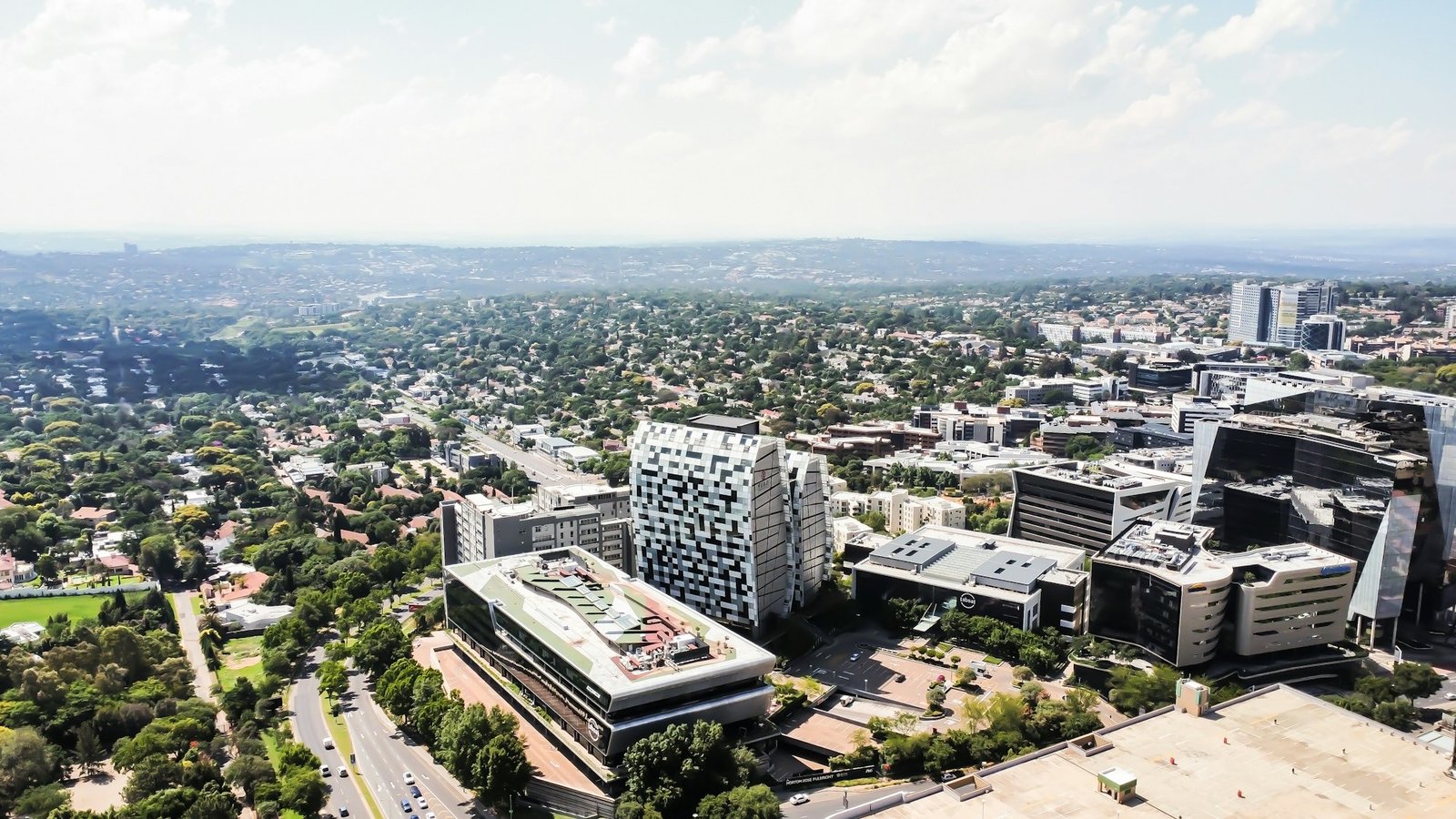
Aerial view of Sandton, Johannesburg
Restricted areas

You decide where riders don't go.

Mark any area on the map as a circle or a shape and choose what it blocks. Before you switch it on, the panel shows how many stores and customer addresses are inside.

SettingWhat it doesExample
No drop-offsCustomers inside the area can't order delivery. The app shows the message you wrote for that area.An informal settlement riders can't safely enter at night
No pickupsStores inside the area are hidden until the restriction lifts.A mall closed for renovation
No rider tripsBlocks both, and keeps riders' routes out of the area.A protest or a flooded road
Night windowApplies only between set hours, every day.20:00 to 06:00
Date windowApplies between two dates, then lifts itself.A long weekend road closure
Switches per zone

Start small, then turn things on.

Features can be switched on or off per zone, so you can try something in one suburb before the whole city. The server enforces what's off, and the apps hide it.

Discovery feed Stories from stores Group buying Back-in-stock alerts WhatsApp ordering Shared carts Substitutions Pay at the door Rider route plan

Have an area in mind?

Tell us where. We'll look at the map together and agree a territory that makes sense.

Apply for a territory